Tom checks its suitability for the mass storage and protection of his home and lab files and data.
Tom says VMware in the past has announced its EUC products at the Europe event, so it will be interesting to see if they continue this trend.

Cloud giant AWS has teamed up with virtualization kingpin VMware and others to work on a Proof of Concept (PoC) for "distributed edge AI networking" as part of an Open Grid Alliance (OGA) project.

After previous benchmarking tests, Tom attempts to install and run a bare-metal hypervisor on the low-priced, small form-factor PC.

Tom installs Workstation on an ACEMAGIC AD15 Mini PC to benchmark its performance running a small and large Windows 10 VM.

Cisco teamed up with enterprise cloud specialist Nutanix to replace its HyperFlex offering with a new hyperconverged solution as part of a strategic partnership announced in August.
Tom puts the small form-factor device through its paces to see what type of workload it is best suited for.
As Intel quits NUC biz, Tom eyes a replacement, which he hopes to use as a standalone desktop system, type-2 hypervisor running VMware Workstation and more.

There are various reasons why you may want to reflect the actual hardware the VM is running on rather than as a VM; by adding these three lines to the VMware configuration file, you can easily reflect this.
Tom explores Autostart on Workstation Pro 17 to avoid multiple manual virtual machine restarts upon an automatic reboot of Windows 11.

Tom relates the Vegas experience as a regular attendee, an influencer, a presenter and a vendor.
The expected deluge of AI-related news at this week's big VMware Explore 2023 conference sees a "Private AI" initiative with chipmaker NVIDIA, along with AI integrations to the Anywhere Workspace platform and much more.

VMware debuted a new solution, jointly developed with NVIDIA, that aims to address the legal, privacy and security concerns around the use of generative AI in enterprises.

Tom continues to investigate how various OSes running the Horizon client react when network conditions are less than ideal, for example, when networks drop packets, have limited bandwidth and/or experience latency issues.

Tom tries operating systems not on VMware's guest OS compatibility list, finding some work to varying degrees, some not at all.
Tom Fenton investigates performance differences between virtual and physical machines.

Tom Fenton pops off the bottom of the device to look at its innards, powers it up and runs some benchmarks.
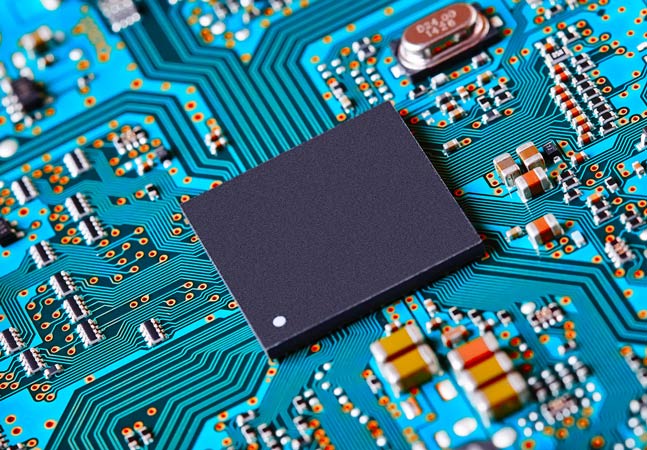
With an i7-1360P processor, 16 GB of RAM and a 512 NVMe device for storage, it should handle the most demanding home and office workloads.
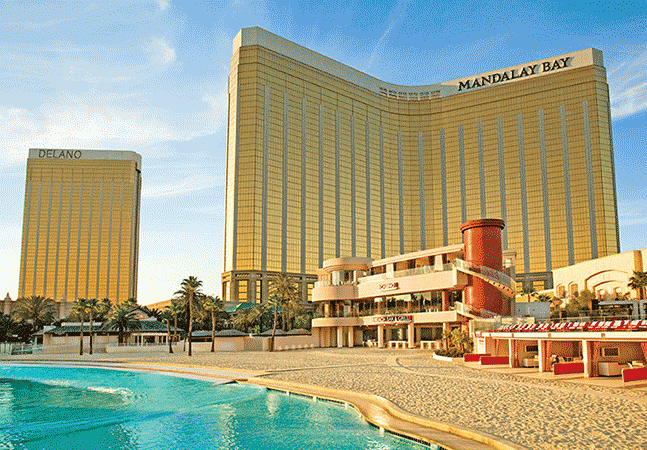
Vegas veteran Tom Fenton has the inside scoop on cool and fun non-techy things to do between VMware Explore 2023 sessions.
Content helps Spring developers build microservices, web apps, serverless, event-driven, reactive and cloud workloads.